Quotes
Create, edit, duplicate, issue, accept, reject, archive and convert quotations into traceable invoice drafts.
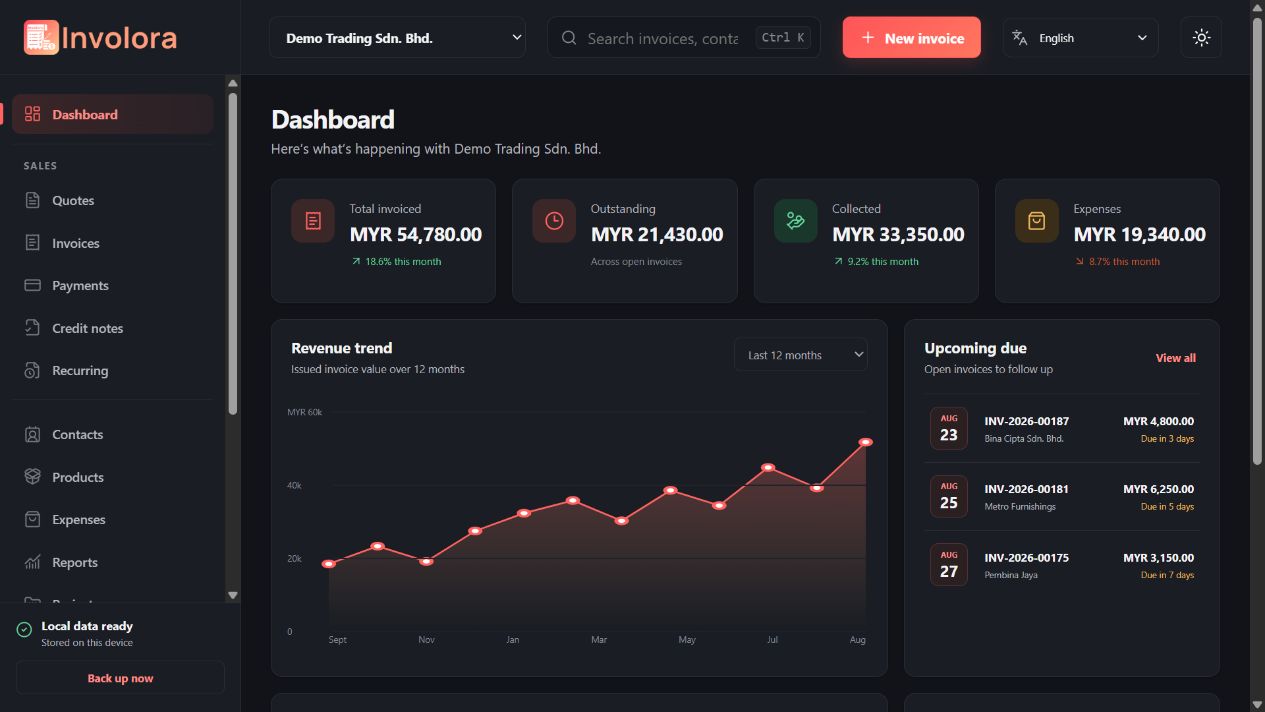
Create documents, get paid, manage customers and products, track operations and understand performance from one clear business workspace.
Documents
Move from a clear quotation to an issued invoice, then keep every detail, status and correction connected.
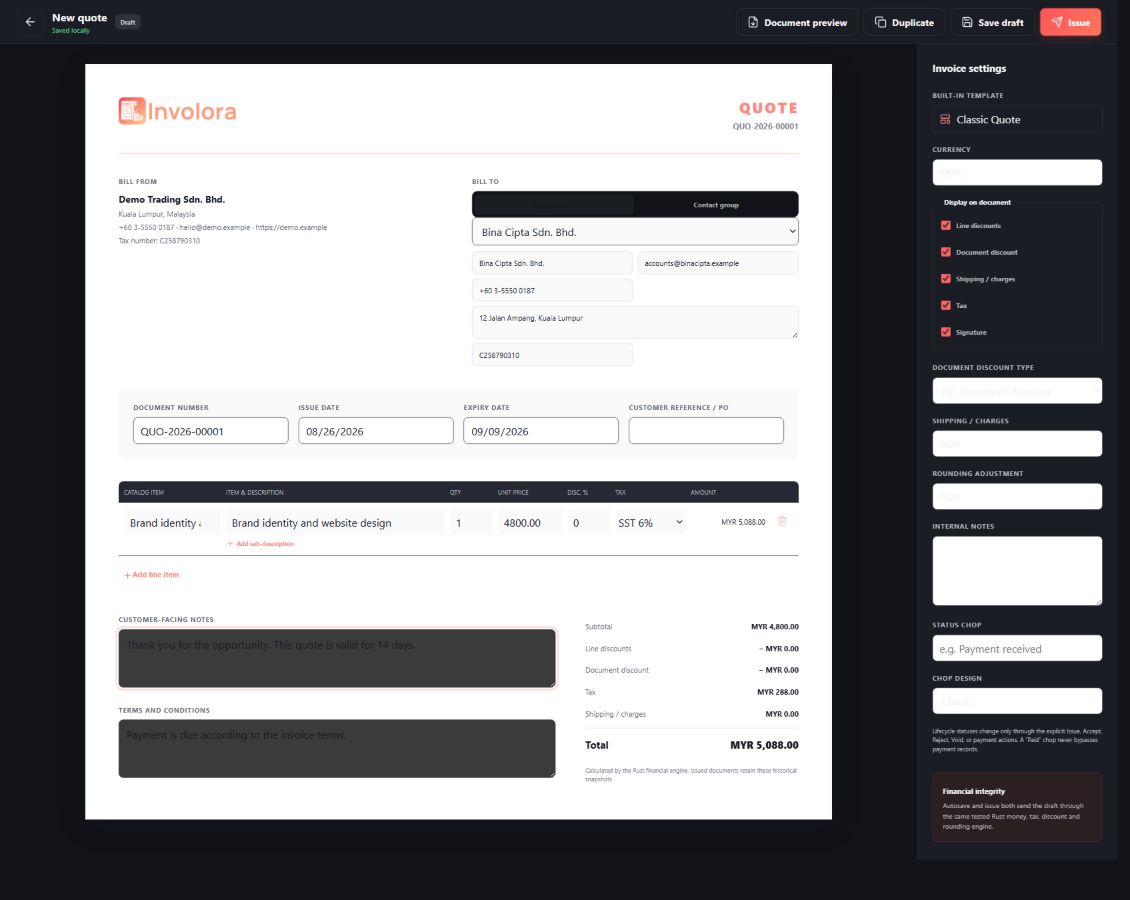
Create, edit, duplicate, issue, accept, reject, archive and convert quotations into traceable invoice drafts.
Build drafts, issue final documents, track due dates and balances, void when required and preserve issued history.
Select a catalog item or type one manually, then add a main description, sub-description, quantity, price and tax.
Show or hide line discount, document discount, shipping or charges, tax and rounding adjustment for each document.
Choose a separate invoice, quote, receipt or credit-note design and set a company default for each document type.
Preview the selected design, export a PDF to a chosen folder and use the appropriate print or share workflow.
Download the PDF as soon as a document is issued or hand it to AeroMailer when an active SMTP account is available.
Select multiple invoices or quotes to archive, delete with confirmation, or create PDFs using each record’s selected template.
Payments
Record what was paid, connect it to the right document and correct mistakes with an auditable workflow.
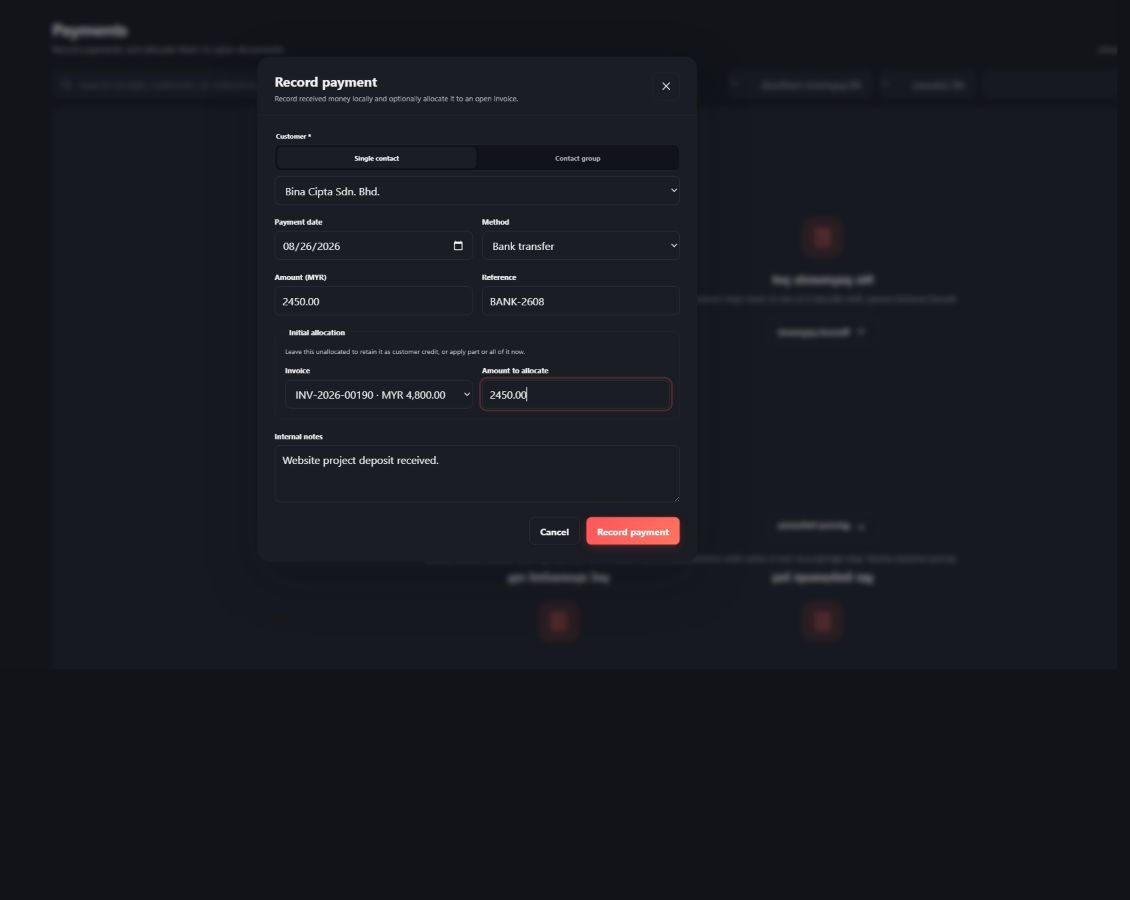
Record cash, bank transfer, card, cheque, e-wallet, PayPal or a custom method with date, reference and notes.
Allocate one payment partially or fully, review remaining balances and retain unallocated amounts when needed.
Generate, preview, template, export, print and share a professional receipt from a recorded payment.
Create full or partial credits, issue a credit-note PDF and keep the original invoice relationship visible.
Apply available credit to open invoices, record refunds, reverse refund mistakes and track remaining credit.
Edit payment details, reverse a payment with history intact, archive records and restore them from the archive.
Create inclusive or exclusive taxes, mark a default tax or return the company default to No Tax.
Choose document and contact currencies, configure sequences and use collision-checked random next numbers when preferred.
Contacts & catalog
Organise detailed customer records and a reusable product or service catalog, without slowing down custom document entry.
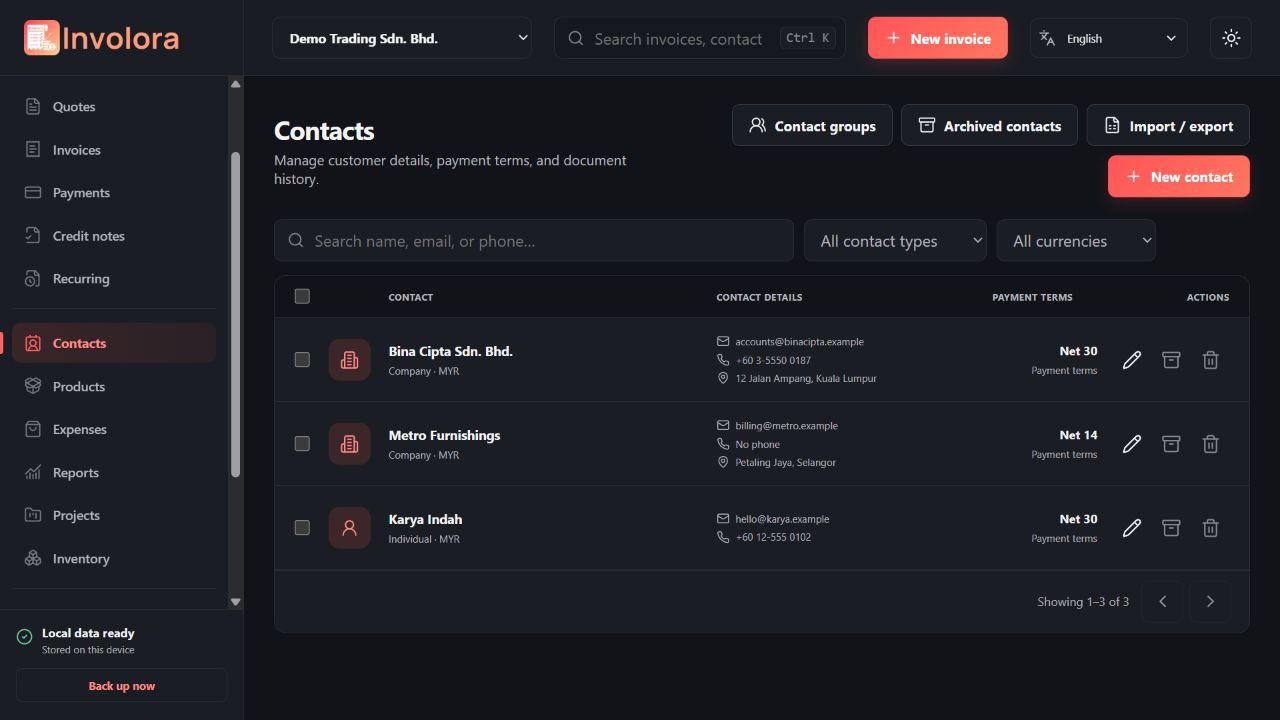
Store first name, last name, company type, email, phone, addresses, tax number, currency, terms and notes.
Place multiple contacts into a group and create invoices, quotes or payment records for the group in one workflow.
Search, filter by currency, bulk-change contact type or currency, archive, restore and delete with confirmation.
Maintain SKU, name, description, unit, selling price, optional cost, default tax, category and active state.
Add a square catalog image and show the right item identity while browsing or editing products.
Manage units, categories and taxes in focused lists, with deletion controls where the record can safely be removed.
Start from a catalog item and override the description or price, or type an entirely manual line item.
Move customer and catalog data with CSV preview, validation and exports designed for safe spreadsheet use.
Operations
Connect expenses, projects, time and stock to the same business workflow that produces your documents.
Record vendor, category, date, amount, tax, payment method, attachments and billable status, then link work to a customer or project.
Create projects, assign customers, manage planned, active, paused or completed status and keep task details together.
Run a seconds-accurate timer, review start and end times, add manual entries and separate billable from non-billable work.
Turn unbilled time and billable expenses into invoice lines using the project name and task names as clear descriptions.
Configure tracked products, current quantity, reorder threshold and stock rules with a clear movement history.
Record manual adjustments and let relevant invoice or credit activity update inventory through controlled operations.
Schedule weekly, monthly, quarterly, yearly or custom document profiles, pause them and review run history.
Choose reminders for due invoices, expiring quotes, recurring activity, low stock, backups and long-running timers.
Insights
Move from an at-a-glance dashboard to focused reports, then export exactly what you need for review.
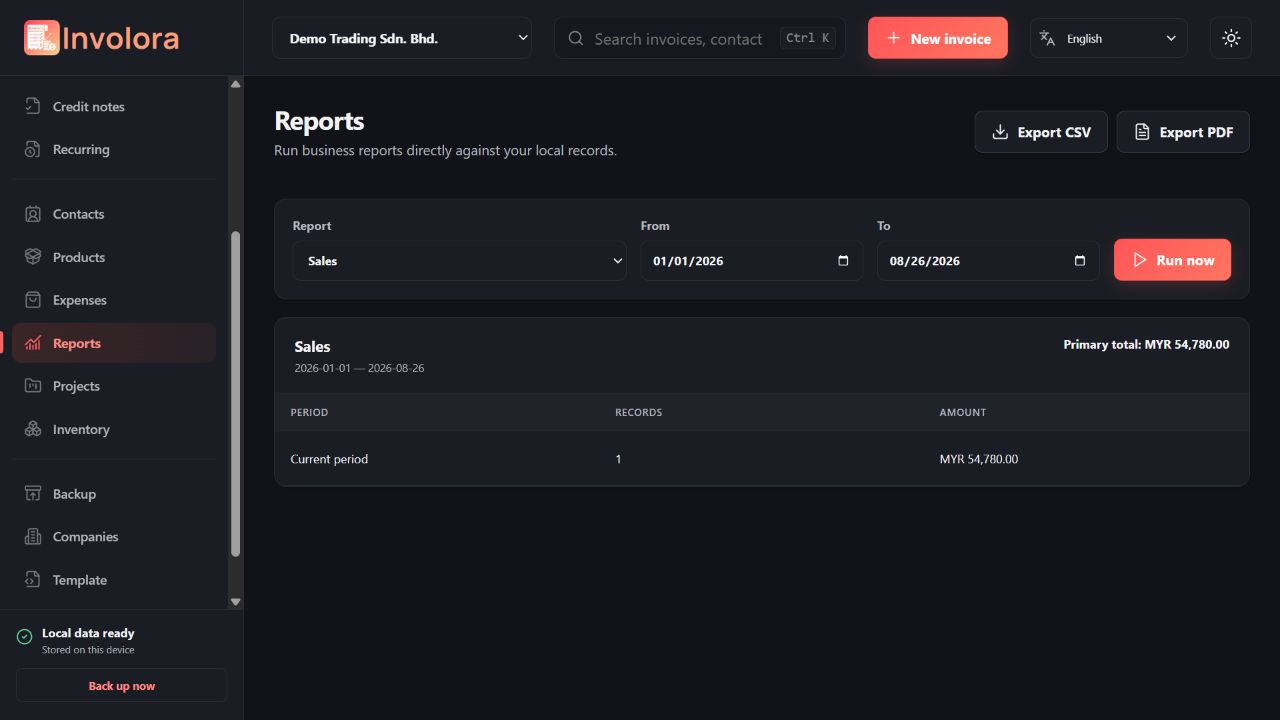
Review invoiced, collected, outstanding, overdue and expense totals with recent activity and useful trends.
Explore sales, payments, outstanding, aging, tax, expenses, profit, customers, items, discounts, credits and payment methods.
Use today, week, month, quarter, year or a custom period to focus each report.
Create a presentation-ready PDF or formula-safe CSV and choose the destination folder where supported.
Find documents, contacts, products and other records from the top search bar or focused page search.
Narrow lists by status, type, method, currency or other relevant fields and order important date or money columns.
Select many records to perform supported archive, delete, update, export or status workflows efficiently.
Keep everyday lists clean while retaining restore pages and useful activity history for important business actions.
Personalize
Set the company identity once, then carry the right defaults into new invoices, quotes, receipts and credit notes.
Create and switch companies while keeping customers, documents, taxes, numbering and preferences separated.
Add a logo, registration and tax numbers, address, phone, email, website, currency and payment details.
Format business address, footer, terms and bank details with font, size, heading, colour, style and background controls.
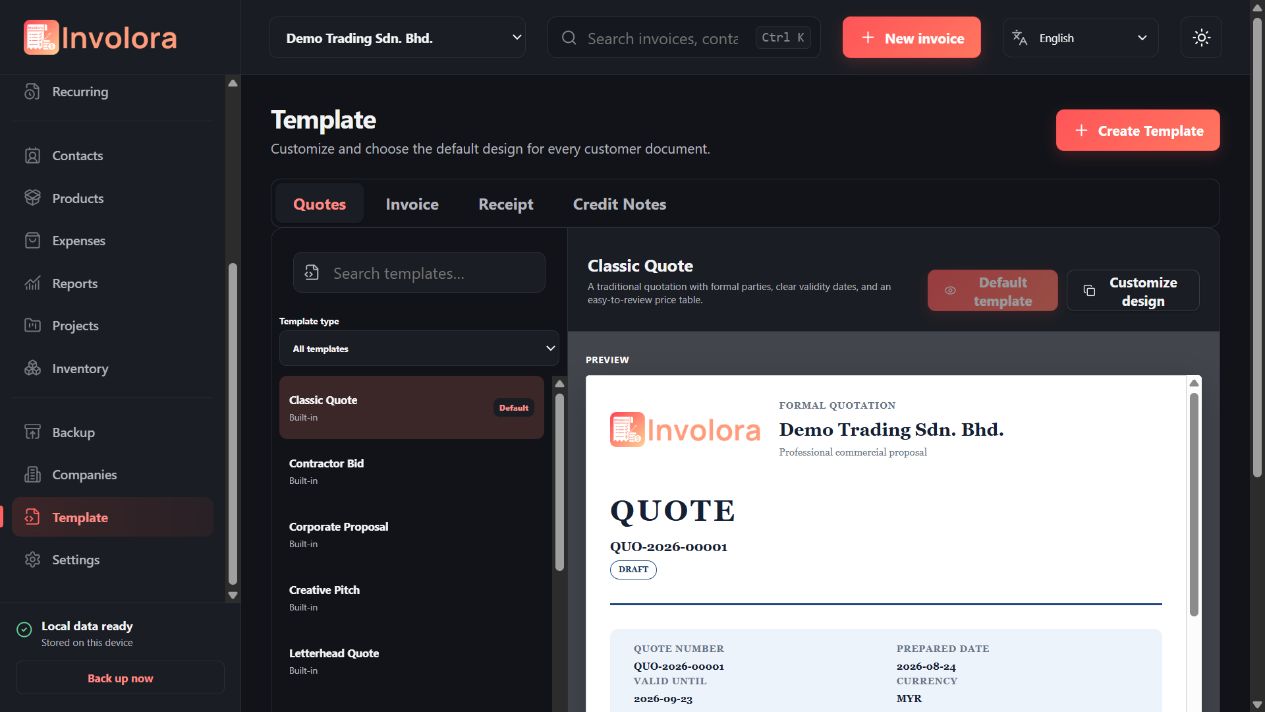
Choose four default templates and decide whether discounts, charges, tax, rounding, signature, chop and verification QR appear.
Create custom templates with WYSIWYG controls for layout, typography, colours, spacing, borders, margins and logo sizing.
Draw or upload a signature, upload a company chop, choose a chop style or select No chop.
Start with company details and document preferences, including optional logo, default templates, tax and rounding choices.
Use English, Simplified Chinese or Malay and switch between light and dark appearance.
Protect & connect
Protect the workspace, create recoverable backups and connect document delivery only when it fits your workflow.
Back up the database together with managed company assets, product images, attachments and template files.
Create a backup on demand or configure a schedule, destination and retention policy.
Validate backup format and integrity, protect the current data and migrate restored content when required.
Protect access with a PIN or password, configure auto-lock and use supported platform authentication when available.
Manage backup, export and privacy-sensitive preferences from one dedicated settings area.
Enable only the business reminders you want and review how each reminder is evaluated while Involora is active.
Detect an installed AeroMailer app, enable the connection and choose the active SMTP account used for document delivery.
Keep standardized contacts synchronized across Odeysoft apps.
Company, document and notification preferences save automatically, while taxes, sequences and integrations stay aligned with the active company.
Ready when your next document is.
Application screen